
How to Use the AD Workbench for ADRD Data Access and Analysis
AD Workbench is the secure, cloud-based ADRD data sharing, analysis, and interoperability layer of the AD Data Initiative technical suite. Researchers can create an account, request a workspace, and begin searching Alzheimer’s disease and ADRD datasets in a few steps.
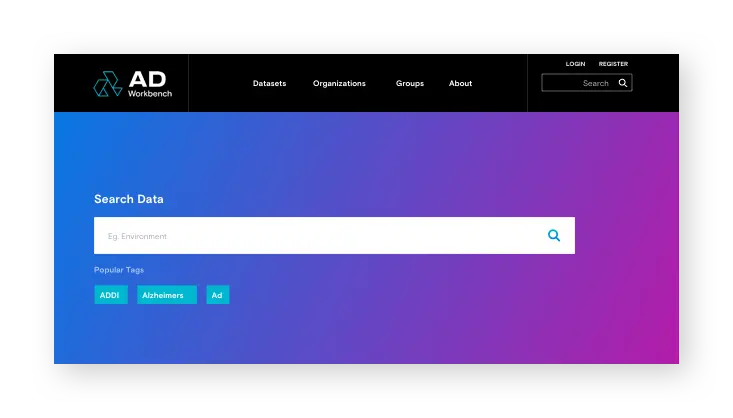
How do I search for datasets in AD Workbench?
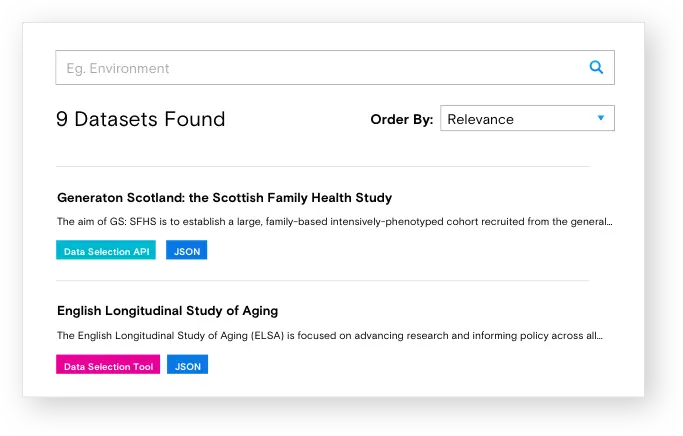
Users can explore datasets and field-level metadata using the AD Discovery Portal. Users will be able to analyze data in their personal workspace. The request access workflow within AD Discovery Portal allows the user to access data in order to analyze data or datasets.
How do I analyze data in AD Workbench?
The AD Workbench provides a set of commonly used analytical tools to enable data exploration in workspaces. Users must request a workspace on the AD Workbench before being able to work with data.
R Studio and Jupyter are available as apps in the workspaces. Data can be analyzed by opening R session and results and plots generated can be exported.
Additional data science tools are whitelisted for installation in provided Linux and Windows virtual machines.
Users are encouraged to develop additional mini-apps to be shared more broadly with other users.
For more computing power or specific software, users can configure available virtual machines.
How do I upload my own data to AD Workbench?
A user who plans to bring new data to do multimodal or pooled analyses can directly upload datasets and CSV files for analysis utilizing the tools and mini-apps available in the workspaces.