Managing a Catalog Entry
To update a catalog entry, you must have access to edit.
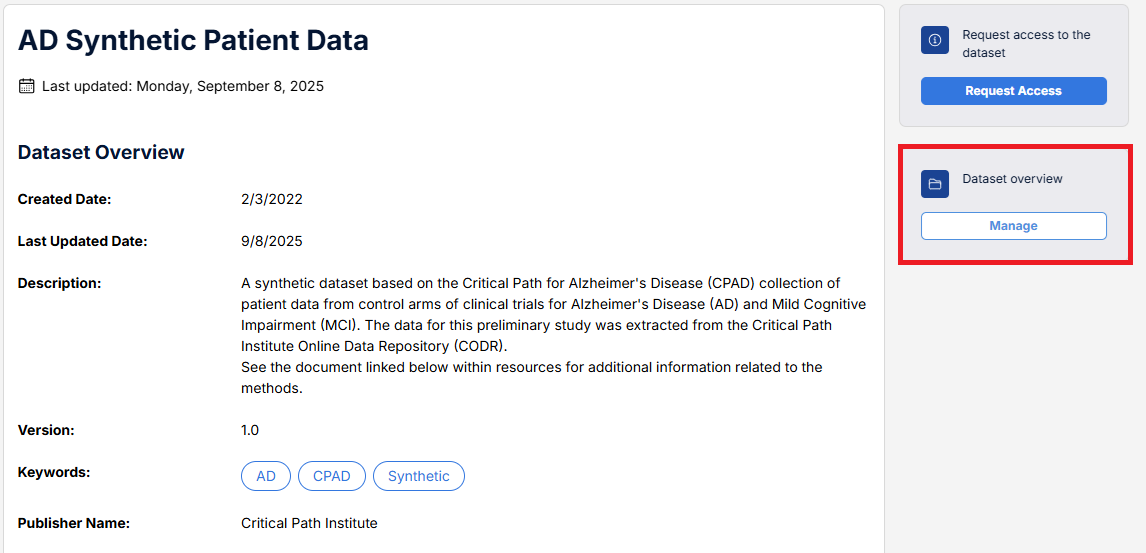
Navigate to the dataset of interest, then select Manage from the Dataset overview options on the right-hand side.
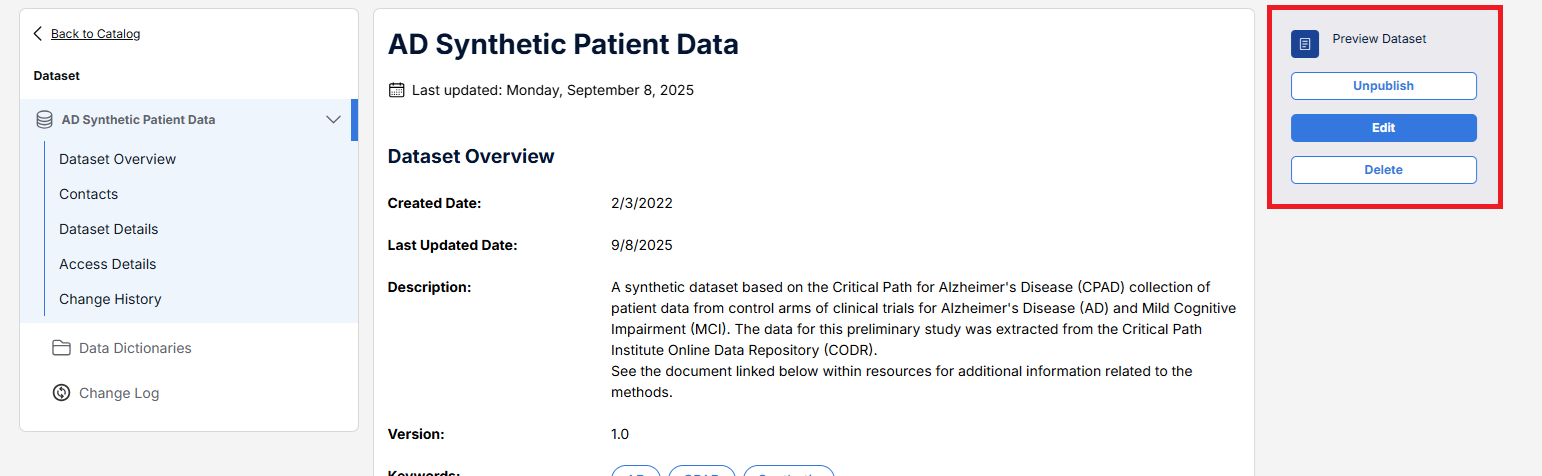
From the resulting page, select Edit.
Note: you also have the option to unpublish or delete the dataset entry.
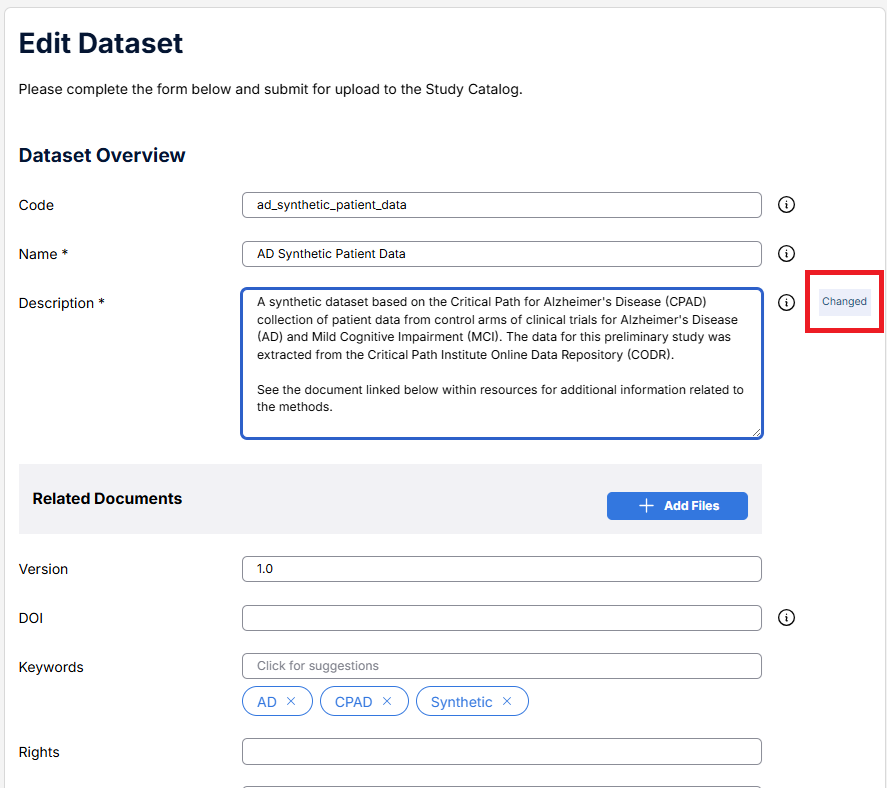
Update fields as required. Those updated will be tagged with a Changed icon.
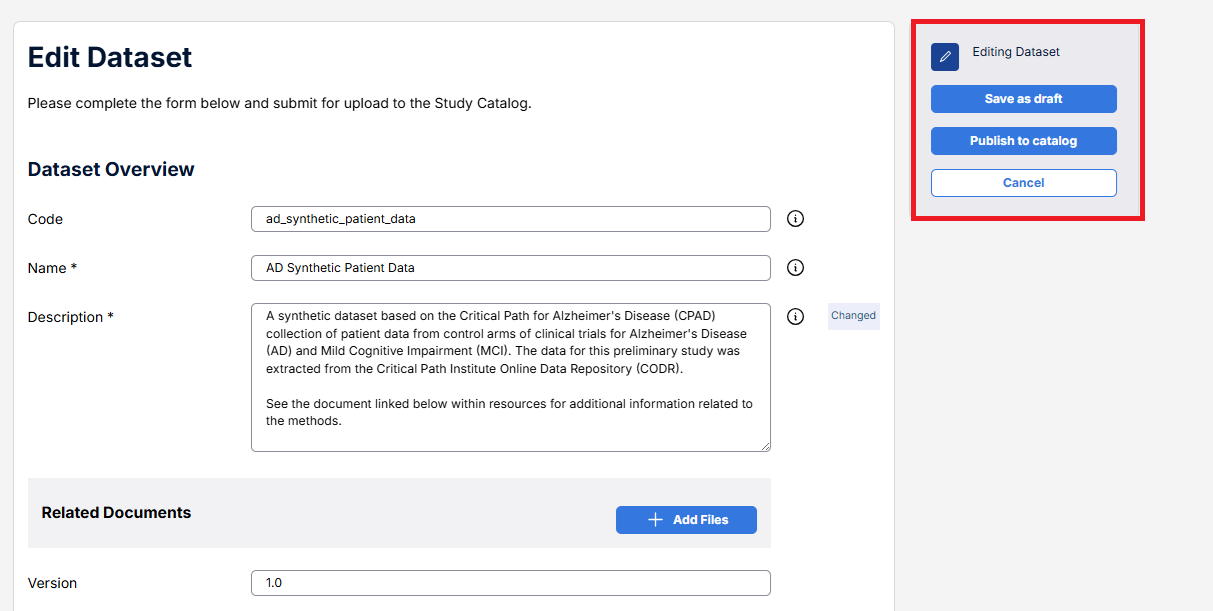
Once complete, select Publish to catalog. Your changes will now be reflected in the catalog.